Remote control via Bosch Levelling Remote App
The measuring tool is equipped with a Bluetooth® module which uses radio technology to enable remote control via a smartphone with a Bluetooth® interface.
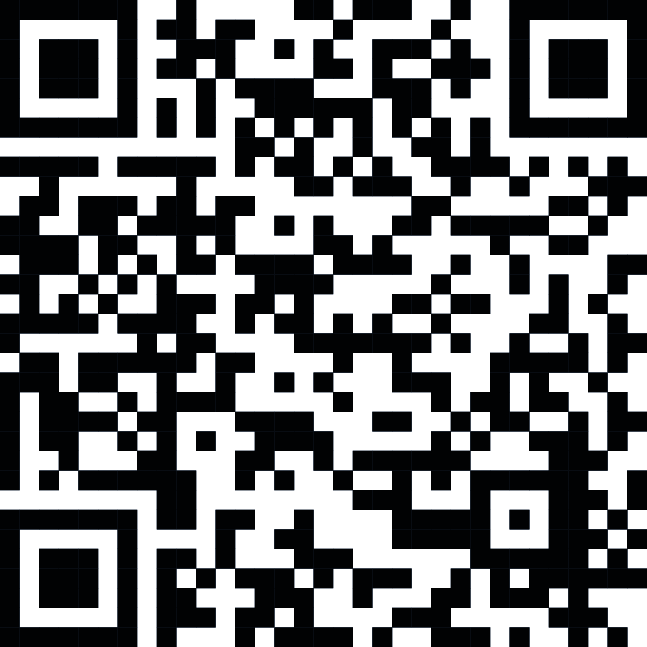
The Bosch Levelling Remote App is required to use this function. You can download this in the app store for your terminal device (Apple App Store, Google Play Store). Scan the adjacent QR code.

- When controlling remotely via Bluetooth®, poor reception conditions can cause time delays between the smartphone and the measuring tool.
You can use the Bosch Levelling Remote App to control the following functions on the measuring tool:
- Changing the rotation speed
- Switching line operation/point operation on and off and setting the laser line/laser point
- Switching slope operation on and off and changing the slope
- Switching on and off the shock-warning function
- Switching sleep mode on and off
Calibration of the measuring tool is also made easier if it is performed using the app.
The Bluetooth® function can be switched on or off using the  button. This setting is saved when the measuring tool is switched off.
Establishing/ending a connection to a mobile device:
- Briefly press the button to switch on the Bluetooth® function.
- The Bluetooth® connection indicator (15) will slowly flash to provide confirmation.
If the measuring tool has already been connected to a mobile device and this mobile device is within range (with the Bluetooth® interface activated), the connection to this mobile device is automatically re-established. The connection is successfully established as soon as the Bluetooth® connection indicator (15) lights up continuously.
The Bluetooth® connection may be interrupted if the distance between the measuring tool and the mobile device is too great or is blocked, and if there are any sources of electromagnetic interference. Should this occur, the Bluetooth® connection indicator (15) will flash.
To establish a new connection:
(first-time connection or connection to another mobile device)
- Ensure that the Bluetooth® interface is activated on the mobile device and that Bluetooth® is activated on the measuring tool.
- Load the Bosch Levelling Remote App app.
- If multiple active measuring tools are found, select the appropriate measuring tool.
- Press and hold the button on the measuring tool until the Bluetooth® connection indicator (15) begins rapidly flashing.
- Confirm the connection on your mobile device.
- If the Bluetooth® connection indicator (15) lights up continuously, the connection is successfully established.
If no connection could be established within 30 s, the process will be cancelled and the Bluetooth® connection indicator (15) will flash slowly.
Switching off the Bluetooth® function:
- Briefly press the button.
- The Bluetooth® connection indicator (15) goes out.
To reset the Bluetooth® function to the factory setting:
When you reset the device to factory settings, all of the connection data in the measuring tool will be deleted.
- If the measuring tool has already been connected to a mobile device and this mobile device is within range, either switch off the Bluetooth® function or delete the connection to the measuring tool on the end device.
- Switch on the measuring tool.
- Briefly press the button on the measuring tool.
- The Bluetooth® connection indicator (15) will slowly flash to provide confirmation.
- Next, press the button and the
 button simultaneously for 5 s, until the Bluetooth® connection indicator (15) lights up briefly and goes out again.
Software update for Bluetooth® function:
If there is a software update available for the Bluetooth® function, a notification appears in the Bosch Levelling Remote App. To install the update, follow the instructions in the app.
During the update, the Bluetooth® connection indicator (15) will flash at regular intervals. Until the update has been successfully installed, all buttons will be deactivated and the laser beam will be switched off.